Hela: of Mice & Magic Tools & PC Readiness
Specs, performance notes, and practical checklists for Windup’s Unreal Engine 5 co-op adventure.
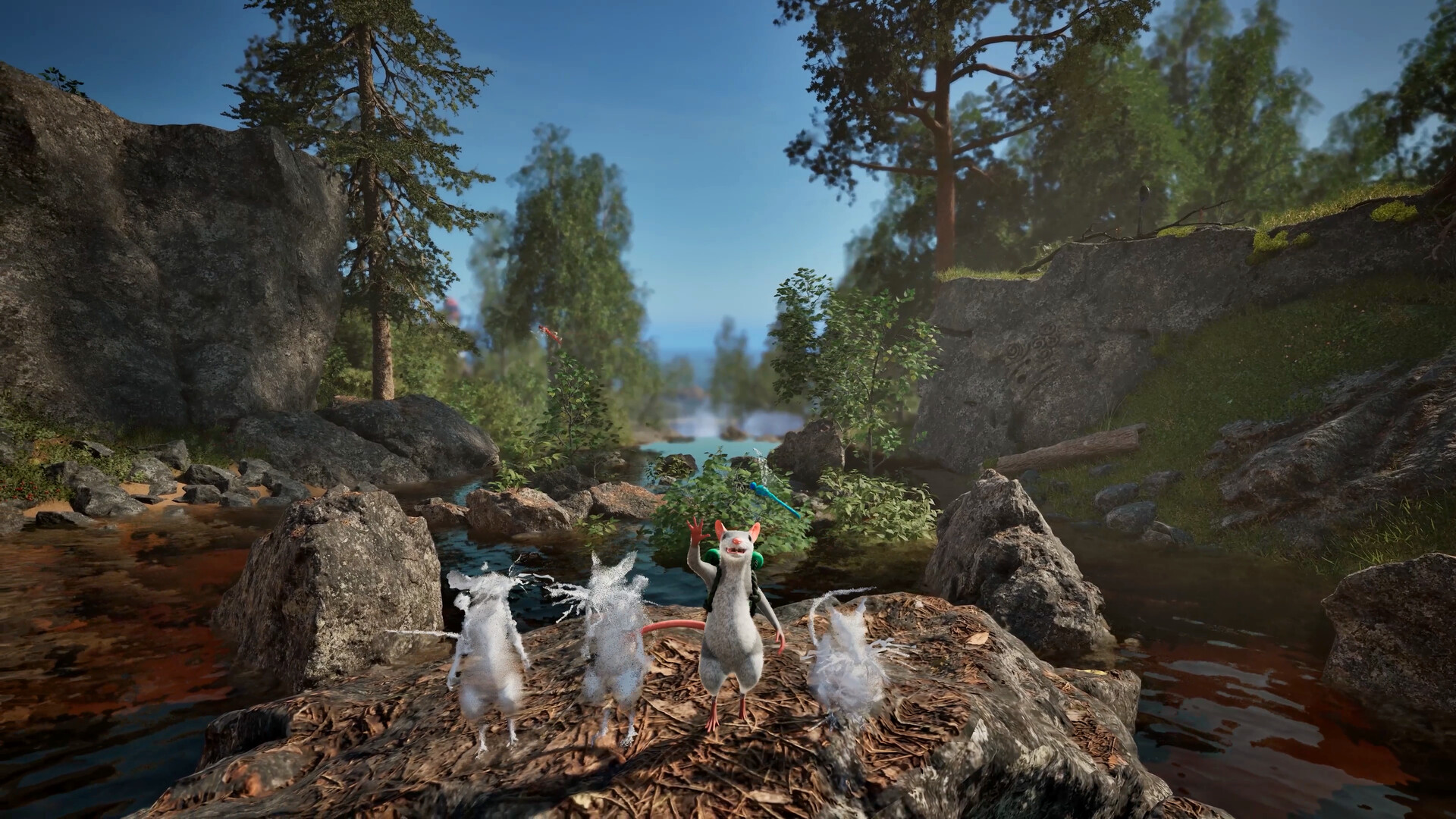
The Tools Hub helps you decide whether your PC is ready for Hela: of Mice & Magic before December 1, 2026—and what to tweak if you plan local split-screen with a friend. Hela runs on Unreal Engine 5, leans on physics-driven puzzles, and can render two player views on one machine. That combination makes a honest hardware check more useful than a vague “it looks cozy so it must be light” assumption.
Start with the full System Requirements page for Steam’s minimum and recommended tables, including the official split-screen framerate targets. Then return here for the short readiness checklist and links into co-op and launch pages.
Why PC readiness matters for Hela
- Solo exploration still uses lush Northern Sweden–inspired scenes, gliding, and interactive props.
- Local split-screen doubles the camera workload; Steam publishes separate fps/resolution notes for that mode.
- Online four-player sessions add network and Epic Online Services linking on top of rendering.
- The free demo (Ansjön) is the best live benchmark if it remains installed—test the same GPU settings you expect at launch.
Hela has no combat DPS ladders to optimize, but stutter during a glide, rope swing, or four-plate Shade puzzle can break the mood just as badly. Treat settings as comfort tools: resolution, preset, and whether you host split-screen.
Readiness checklist
- Compare your CPU, GPU, RAM, and storage to the tables on System Requirements.
- Confirm you have roughly 15 GB free for the install (Steam listing).
- If two people share one PC, read the split-screen notes: minimum targets 1080p Low @ 30 fps; recommended targets 1440p High @ 30 fps in split-screen (solo recommended is 1440p High @ 40 fps).
- Update GPU drivers and verify Windows is 64-bit (Windows 10 minimum, Windows 11 recommended).
- Plan EOS account linking before online night—see the Co-op & Shade System guide.
- Wishlist or schedule the Game Pass install via Release Date & Platforms so downloads finish before friends arrive.
What this hub will grow into
At launch this category focuses on PC specs and performance honesty. After December 1, sensible additions include graphics preset recommendations, accessibility toggles worth enabling for couch play, and troubleshooting notes for EOS or cross-play joins. Each tool should stay practical: one problem, one page, linked from this hub.
Related pages
- System Requirements — full minimum / recommended specs from Steam
- Release Date & Platforms — December 1, 2026 and Game Pass
- Co-op & Shade System — local and online session setup
- Getting Started — first-hour play guide
- Players Hub — co-op mode overview
- Official Links — Steam and support destinations
If your machine clears recommended specs, you are set for high-preset solo exploration and comfortable dual-view nights. If you only meet minimum, plan on Lower presets for split-screen and keep expectations near 30 fps. Either way, Hela’s design—no combat, flexible Shades, cross-play parties—means the fun scales with friends more than with ultra settings.
Frequently Asked Questions
Quick answers for mice getting ready for December 1.
Where are the official Hela PC system requirements?
On the System Requirements page, transcribed from Steam app 3161310, including split-screen performance notes.
How much disk space does Hela need?
Steam lists 15 GB available space for both minimum and recommended configurations.
Is split-screen heavier than solo play?
Yes. Steam’s notes target 30 fps for split-screen at both minimum (1080p Low) and recommended (1440p High) tiers, while solo recommended aims for 40 fps at 1440p High.
Should I use the demo to test my PC?
If the free Ansjön demo is still installed, yes—it is the best real-world check for Froggy traversal, Shades, and local two-player comfort before December 1, 2026.
What else should I prepare besides specs?
Update drivers, free 15 GB, link Epic Online Services for PC online play, and review the Co-op guide before inviting friends.